Hakuen Studio Global Text for RPG Maker MZ
A downloadable RPG Maker Plugin

Introduction
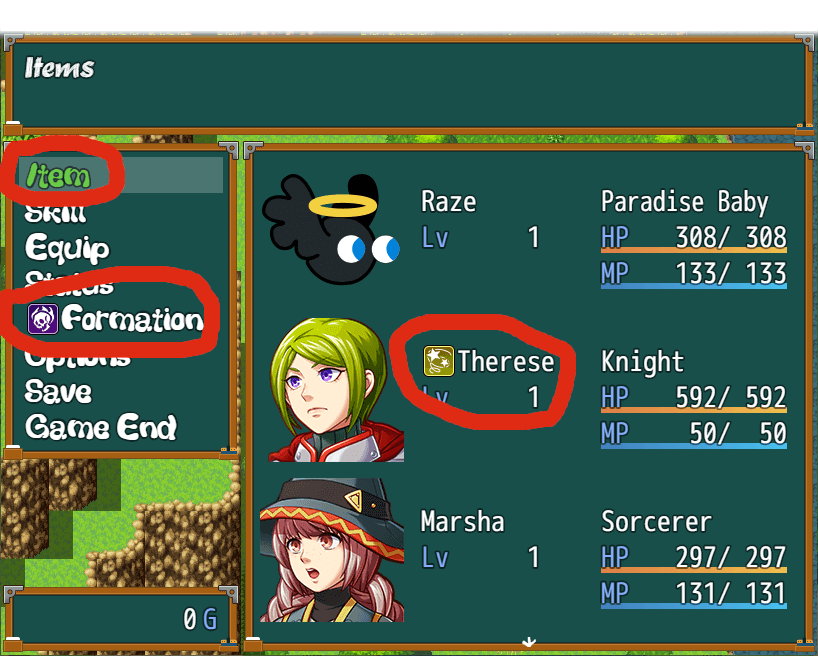
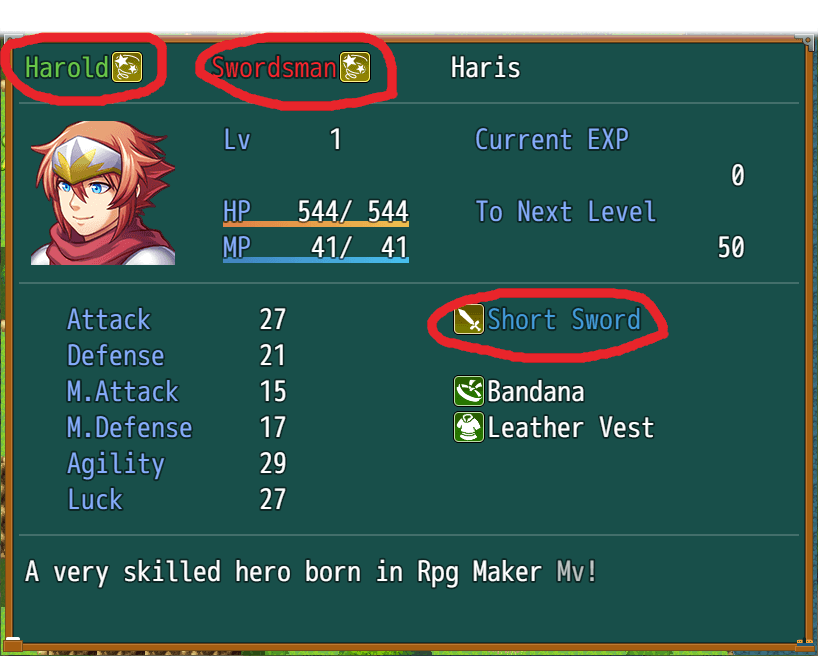
Sometimes you may want to customize your windows a little. It can often be the case that you want to change the colors of the texts, add icons or even variable values.
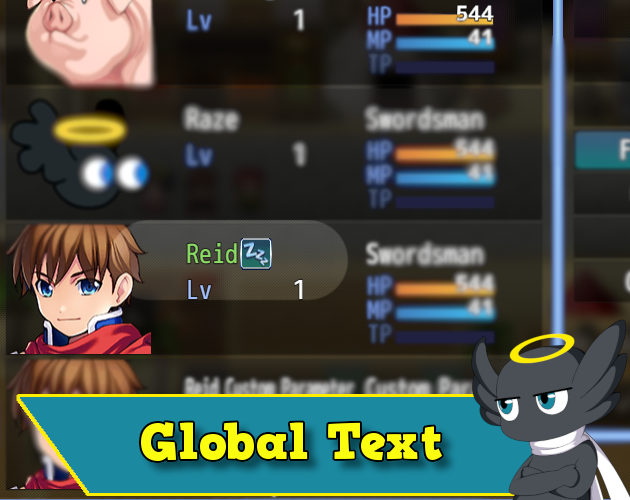
With this plugin, you can easily customize your texts in the windows using escape codes as in the message box!
Features
- Activate escape codes to be used in any window!
- Can exclude specific window classes from global text processing.
How it works
By default, only some windows on RPG Maker can read text codes, such as \v[ID], \c[3], and so on. This plugin lets you make any window process these escape codes. But the windows need to write their text on the windows contents.
How to use
You can use Auto mode on plugin parameters, and all text will be converted automatically.
If you set it to Manual mode, you have to choose a tag of your choice in the plugin parameters, then, just type the tag as the first letter in any text.
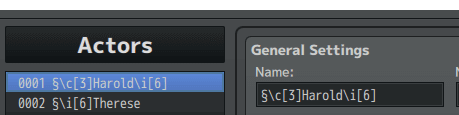
Example of the Actor name:
- §\c[3]Harold
Using this plugin can cause some issues on texts that are drawn aligned on center or right. Because by default, only the regular text has this feature. The text that uses escape codes, does not have this. If that is an issue to you, use Eli Message Actions together with this plugin, set it to Auto Mode, and it will fix this issue. Otherwise, set the plugin to Manual mode and only use it manually.
*NOTE¹: Not all codes can work outside the message box, such as waiting for frames or opening the gold window.
Plugin Parameters
- Automatic Mode → Set to true so the plugin is enabled on all windows. If false, you need to use the Tag for the plugin to work
- Tag → Use this tag as the first character/letter of a text. This will tell the plugin to apply the global text feature there. Only works if Automatic Mode is set to false.
Excluded Windows → You can set up a list of Windows that you want for the plugin to not work. If a window name is here, regardless of automatic mode or not, the global text will not be applied to it. By default, this parameter already contains: Window_Shop, Window_ItemList, Window_NumberInput, Window_SkillList
Help File | Terms of Use | Sample Project
| Updated | 15 days ago |
| Status | Released |
| Category | Tool |
| Rating | Rated 5.0 out of 5 stars (1 total ratings) |
| Author | Hakuen Studio |
| Made with | RPG Maker |
| Tags | eliaquim, hakuen-studio, rmmv, rmmz, RPG Maker, RPG Maker MV, RPG Maker MZ, rpg-maker-plugin |
| Average session | A few seconds |
| Languages | English |
| Links | Patreon |
Download
Click download now to get access to the following files:
Development log
- 1.1.0 - Bug fixes, performance improvement, new features and JSDoc15 days ago
- Version 1.0.10 - Bug fixes!May 14, 2024
- Version 5.0.1 - Bug FixesFeb 10, 2022
- 01/10/2022 - Bug fix!Jan 10, 2022
- 12/05/2021 - Extension plugin!Dec 05, 2021
- 08/26/2021 - Bug fixes!Aug 26, 2021
- Quick Fix!Apr 12, 2021
- Updated MV versionApr 11, 2021